Key Features of VidReels AI Dance Generator
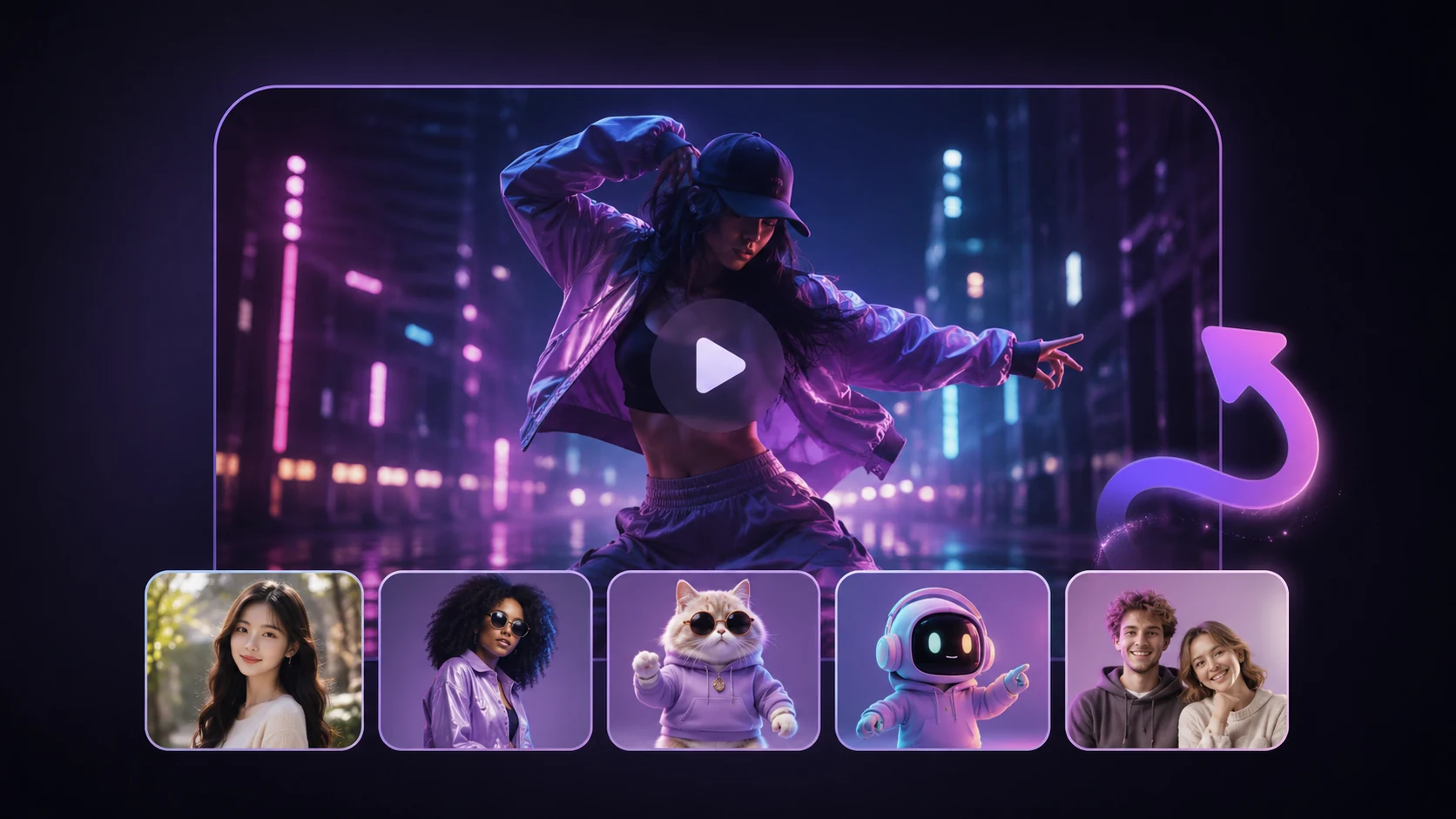
Single Photo Dance Animation
Single Photo Dance Animation
Upload a single portrait and VidReels AI reconstructs the body in 3D, then applies smooth, realistic motion. The result looks like the person in the photo is genuinely dancing.
Group Photo Dance
Group Photo Dance
Got a group shot? VidReels detects multiple people in a single frame and choreographs them all simultaneously, creating synchronized group dance videos that are perfect for family memories or team celebrations.
Realistic AI Motion Engine
Realistic AI Motion Engine
VidReels uses advanced pose estimation and motion synthesis to ensure every dance move looks natural — smooth weight shifts, expressive arms, and lifelike footwork that matches the beat.
How People Are Using the VidReels AI Dance Generator
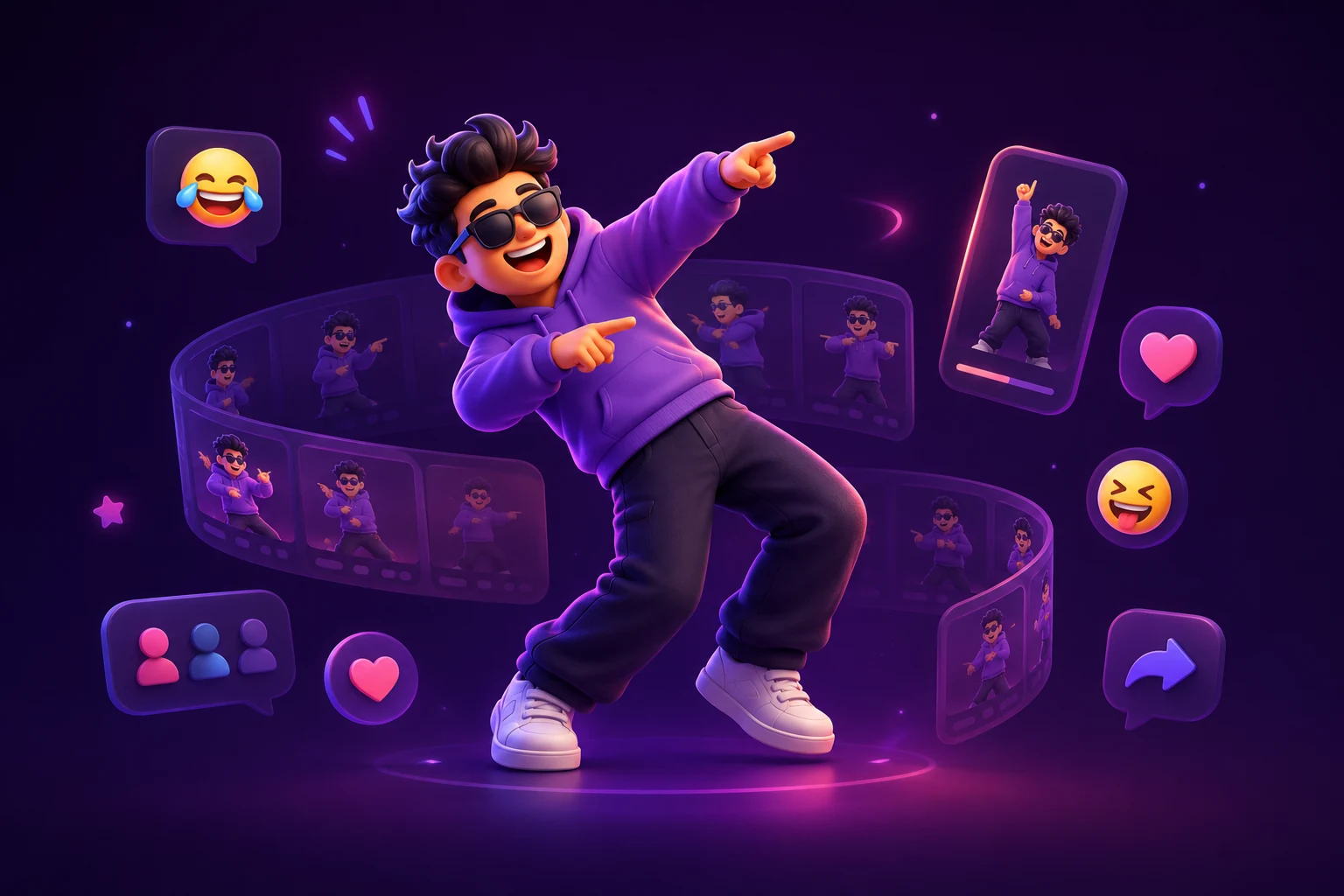
Dance Meme GIFs & Clips
Turn a funny photo into a dance meme that spreads across group chats and social feeds. Animated dance clips are among the most shared formats on every major platform.
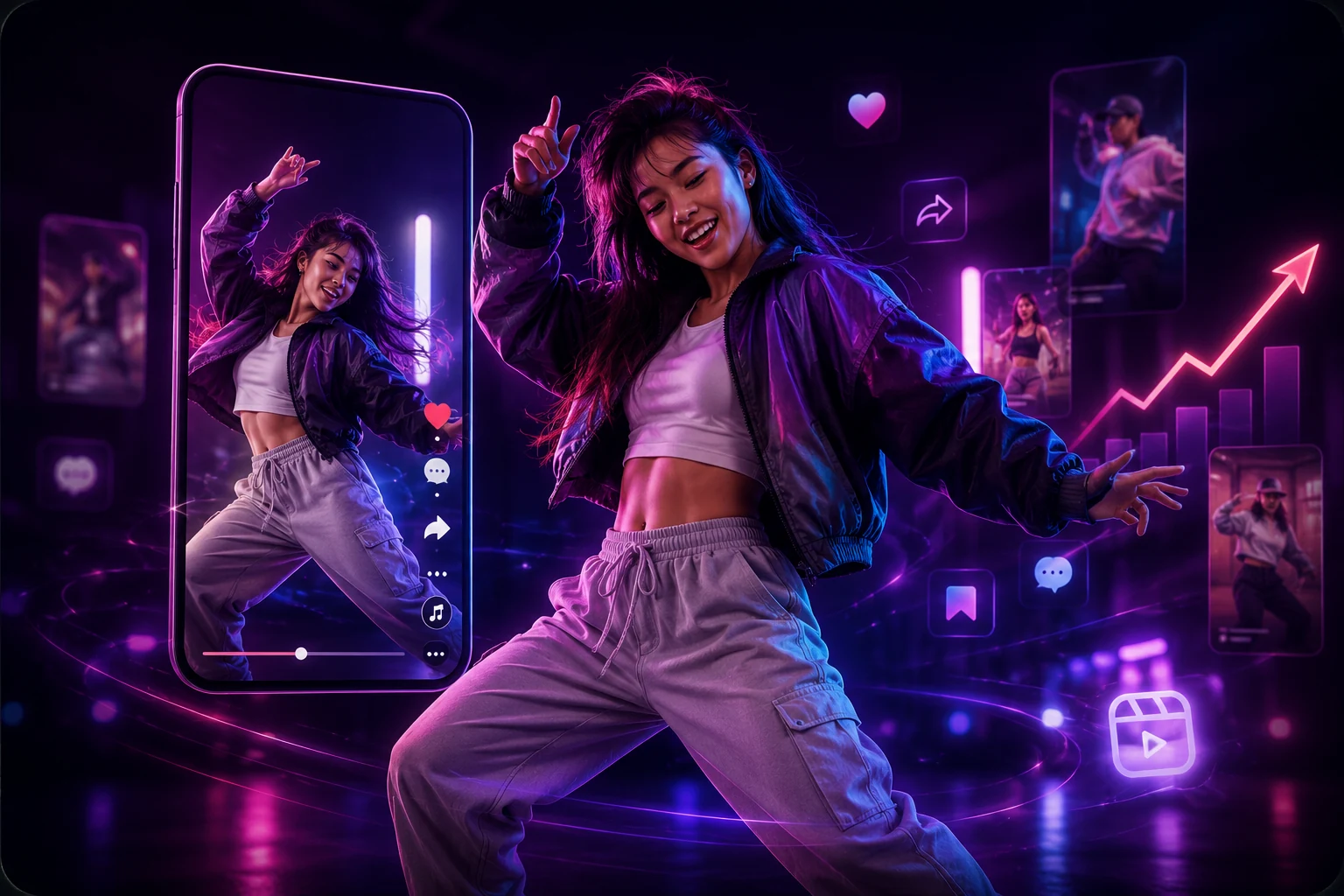
Viral Social Media Content
Creators use VidReels dance videos to spike engagement on TikTok, Instagram Reels, and YouTube Shorts. AI-animated content consistently outperforms static posts in reach and saves.
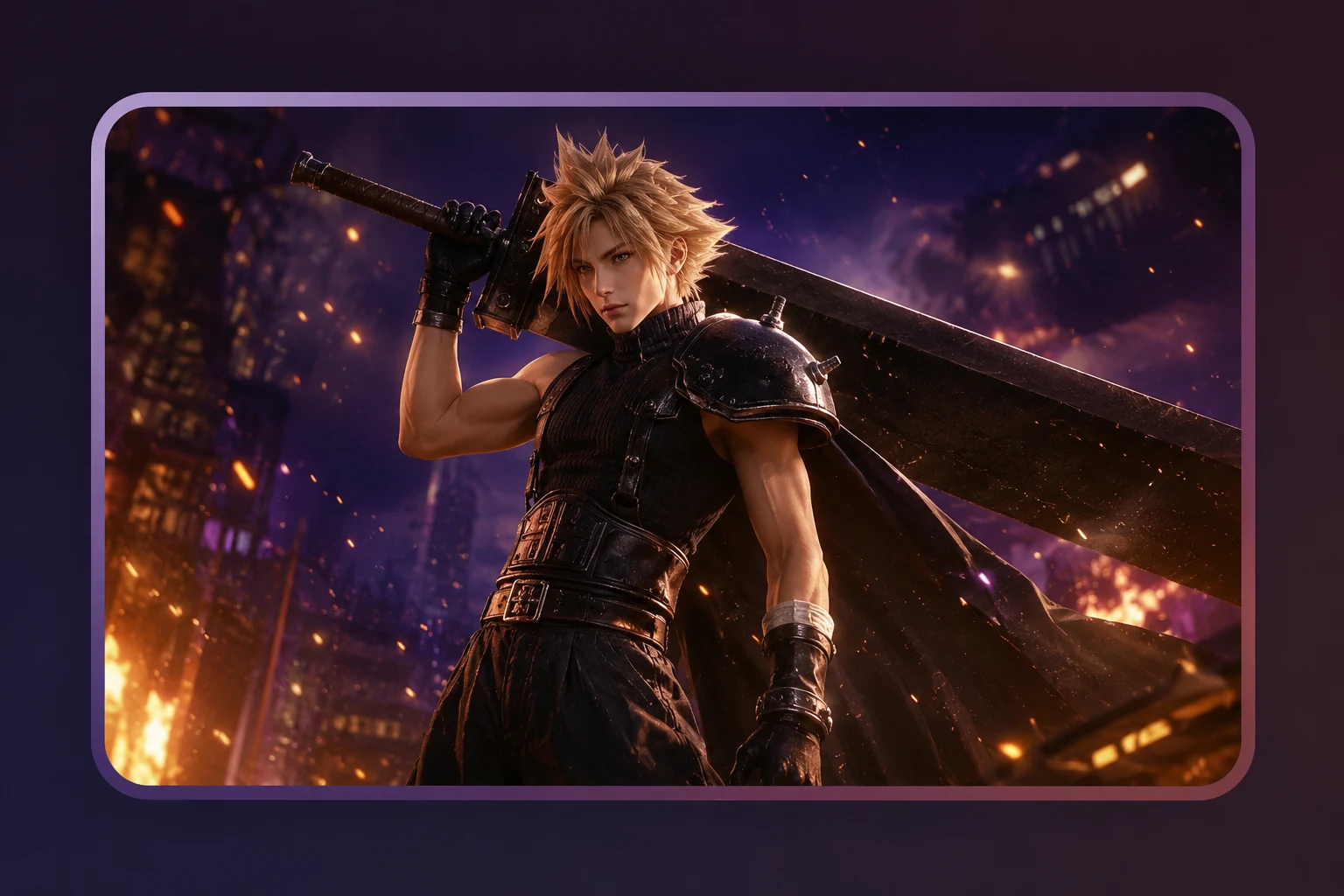
Fan Character Animation
Bring your favorite game characters, anime figures, or fictional heroes to life with AI dance animations for fan pages, YouTube videos, and creative communities.
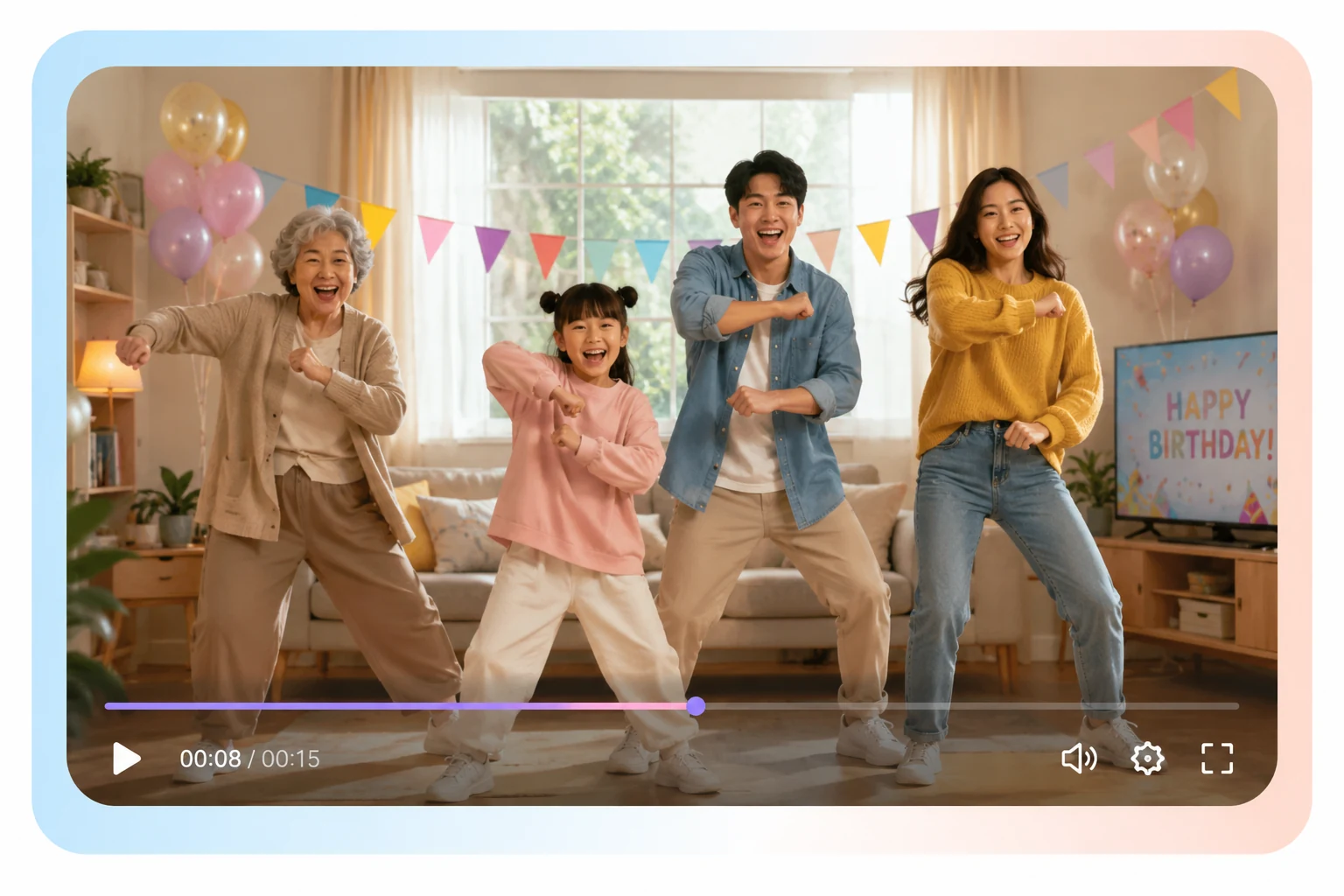
Family Fun & Celebrations
Make grandma breakdance or get the whole family doing the floss — AI dance videos are a crowd-pleasing hit at birthdays, reunions, and holiday gatherings.
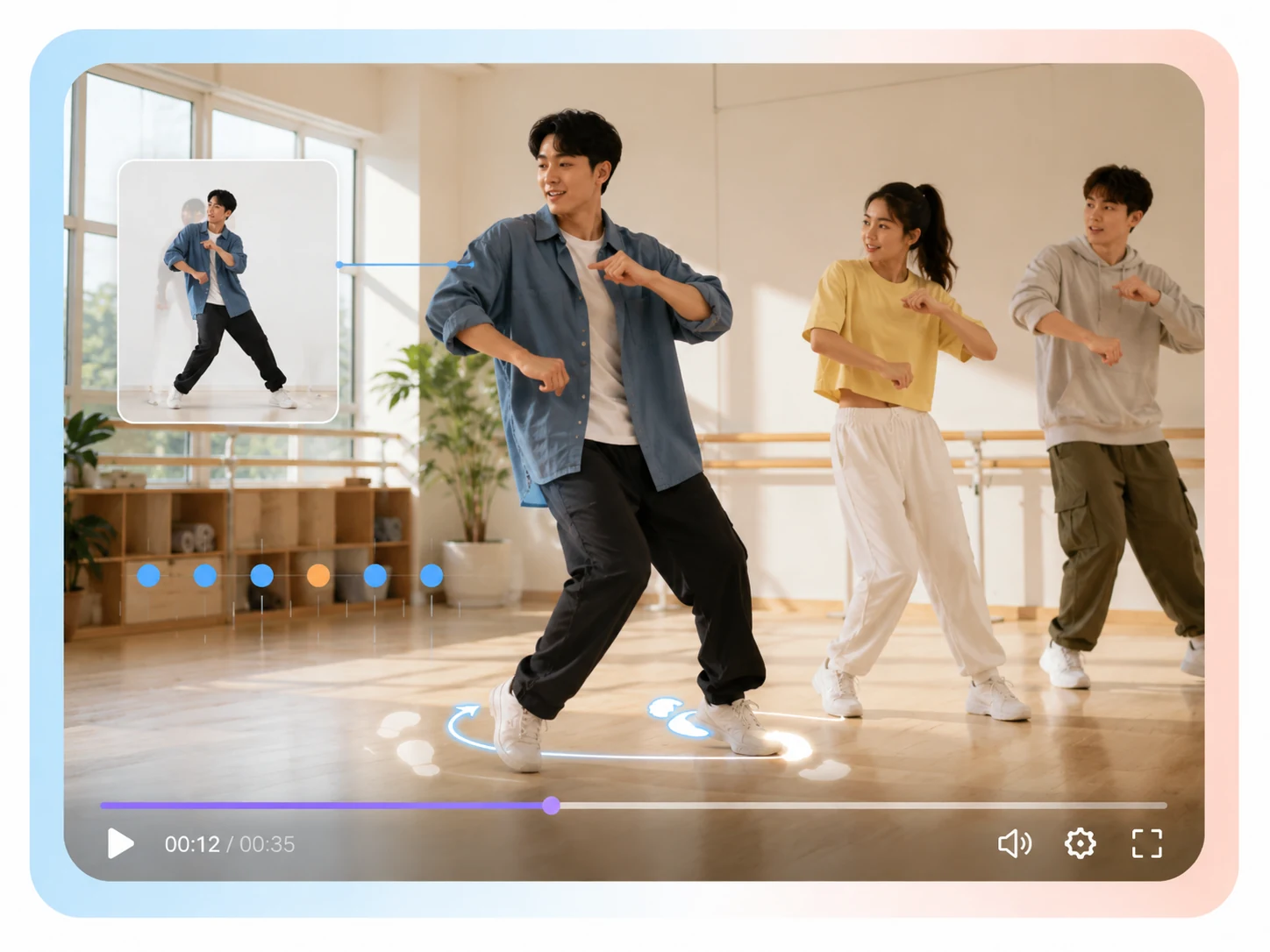
Choreography Education
Dance educators and studios use VidReels to demonstrate footwork and rhythm on reference photos, creating visual teaching aids without needing a camera crew.
How to Create an AI Dance Video in 3 Steps
Step 1: Choose a Dance Template
Browse VidReels' template gallery and select the dance style that fits your vision. Filter by genre, mood, or trending status to find the perfect routine for your photo.
Step 2: Upload Your Image
Upload your photo — a solo portrait, a couple shot, or a full group image all work great. VidReels' AI automatically detects people and maps the chosen dance motion onto them.
Step 3: Customize & Export
Trim the clip, add background music from the built-in library, or overlay a caption, then export your dance video in HD. Share it instantly or download it to post wherever you like.
AI Dance Generator — Frequently Asked Questions
An AI dance generator is a tool that uses machine learning to animate still photos with realistic dance movements. VidReels analyzes the body pose in your photo, applies a motion template, and renders a smooth video clip — all without manual animation work on your part.
Simply sign in to VidReels, navigate to the AI Dance Generator, upload your photo, and select a dance template. The AI handles the rest and delivers a finished video in under a minute. No app download or special software is required — it works entirely in your browser.
Clear, well-lit photos where the full body (or at least the upper body) is visible tend to produce the best results. Avoid heavily cropped face-only shots for full-body dances. Portraits with a simple background also help the AI focus on the person rather than complex scenery.
Most AI dance videos are ready within 30 to 60 seconds, depending on the complexity of the template and your plan tier. Premium plans benefit from priority processing, which can cut render times significantly during peak hours.
Absolutely. VidReels exports dance videos in MP4 format optimized for all major social platforms. You can also export in vertical (9:16) format specifically for TikTok and Instagram Reels, or square format for feeds. Paid plans allow watermark-free exports for a cleaner final product.