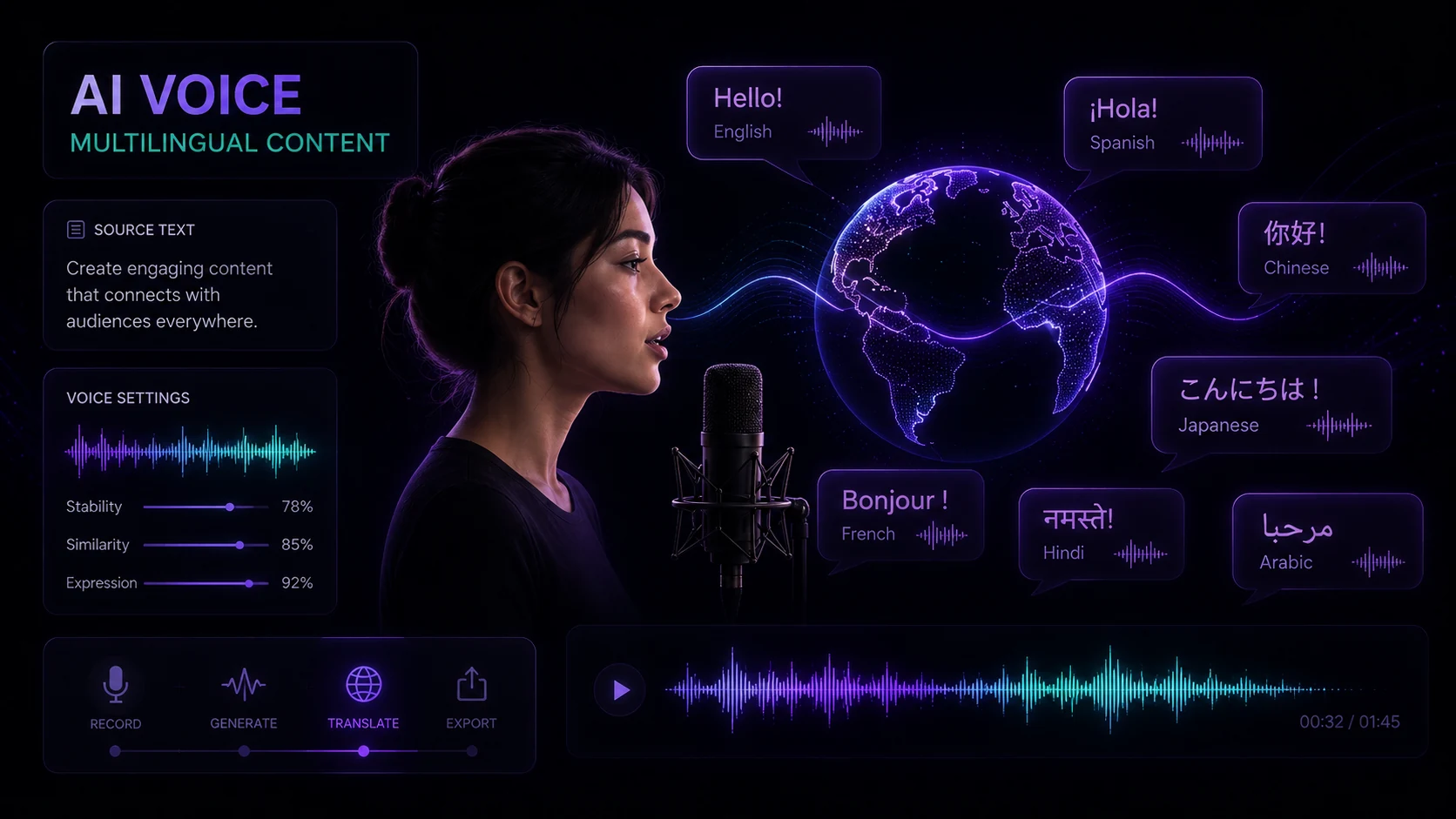
AI text-to-speech has crossed a threshold. The robotic, monotone voices that defined TTS for years are no longer the default — today's best voices are indistinguishable from human recordings in many listening contexts. That shift has made AI voiceover a practical option for a wide range of content: explainer videos, course narration, audiobooks, product demos, and more.
This guide covers everything you need to produce voiceovers that sound natural and serve your content well.
Part 1: Choosing the Right Voice
Voice selection is the most consequential decision in TTS production. A voice that doesn't match your content's tone or audience undermines everything else.
Variables to consider:
- Gender and age — match the voice to your intended persona. A youthful voice works for consumer apps; a mature voice conveys authority in professional contexts.
- Accent and region — choose an accent that aligns with your primary audience. For global content, neutral accents (General American, Received Pronunciation, or accent-neutral international English) are safest.
- Tone baseline — some voices have a naturally warm, conversational baseline; others are more formal and crisp. Neither is better — they serve different content types.
- Clarity at speed — some voices that sound great at normal speed become unclear at 1.2x or faster. Test your chosen voice at the speed you plan to use.
Listen to voice samples with your actual content, not generic demo text. The phrases "Welcome to our platform" and "Here's how interest rate calculations affect your retirement portfolio" reveal very different things about a voice's clarity and naturalness.
VidReels offers a broad voice library across accents, genders, and tonal styles — preview with your own script before committing.
Part 2: Language and Localization Support
TTS language support varies significantly between tools. Beyond simply "supporting" a language, quality varies by language — English and Spanish tend to be the most mature; smaller language markets may have fewer voice options.
What to check for non-English voiceovers:
- Native speaker validation — if you're localizing content for a specific market, have a native speaker review the output. AI occasionally mispronounces region-specific terms, names, or idioms.
- Phoneme handling — technical terminology, brand names, and acronyms often need custom pronunciation rules
- Character support — ensure the tool handles special characters, diacritics, and right-to-left scripts correctly
- Neutral vs. regional accents — for Spanish, for example, Latin American neutral vs. Castilian Spanish are meaningfully different for different audiences
VidReels supports 40+ languages with multiple voice options per language for major markets.
Part 3: Speed, Pitch, and Prosody Control
A voice that sounds natural is a voice with appropriate variation — not a single unbroken pace and tone. Most TTS tools offer basic rate and pitch controls; the better ones offer prosody control (the rhythm and stress patterns of speech).
Rate (speed):
- Normal conversational speech: 0.9x–1.1x
- Instructional/educational content: 0.85x–1.0x (slower allows processing)
- Energetic marketing content: 1.05x–1.15x
- Audiobook narration: 0.9x (traditional) to 1.0x
Pitch:
- Pitch adjustments above ±15% tend to sound unnatural on most voices
- Slight pitch increase (+5%) adds energy; slight decrease (–5%) adds gravitas
- Use pitch variation within a script rather than applying a blanket shift
Avoid cranking speed above 1.25x for content that will be listened to without visuals. Reading text while listening helps comprehension; audio-only at high speed is cognitively taxing.
Part 4: Emotion and Delivery Styles
Advanced TTS tools include delivery style options that go beyond rate and pitch — controlling the emotional character of the speech itself.
Common delivery styles:
- Neutral — flat, balanced; best for informational content
- Friendly/conversational — warmer, slightly informal; good for consumer-facing content
- Professional — formal, authoritative; suits legal, financial, and enterprise contexts
- Excited/energetic — higher energy; marketing and promotional content
- Calm/soothing — slower, softer; meditation apps, wellness content
Delivery style is distinct from voice selection — the same voice can often be configured in multiple styles, giving you meaningful variation without switching voices entirely.
Part 5: SSML Basics
SSML (Speech Synthesis Markup Language) is an XML-based standard for giving TTS engines detailed pronunciation instructions. Not all tools expose SSML directly, but understanding it helps you use tools that do.
Most useful SSML tags:
<!-- Pause: add breathing room between sections -->
<break time="500ms"/>

<!-- Emphasis: stress a word -->
<emphasis level="strong">critical</emphasis>

<!-- Pronunciation: fix specific words -->
<phoneme alphabet="ipa" ph="ˈbɒk.si">Boxy</phoneme>

<!-- Rate and pitch for a section -->
<prosody rate="slow" pitch="-2st">This is the important part.</prosody>
For most users, SSML isn't necessary — the visual controls in VidReels handle the common cases. But if you're building a high-volume content pipeline or need precise control over specific phrases, SSML gives you that precision.
Part 6: Export Formats
Choose your export format based on how the audio will be used:
- MP3 — universal compatibility, good compression. Best for web delivery, podcasts, video embedding.
- WAV — uncompressed, highest quality. Use for professional audio production where the file will be further edited or mixed.
- OGG — open format with excellent compression. Good for web apps and games.
- FLAC — lossless compression. Useful when you need archival quality in a smaller file than WAV.
For video production, export as WAV if your video editor supports it — you maintain full audio quality through editing, then the video export handles final compression.
Conclusion
Natural-sounding AI voiceover comes from making thoughtful decisions at each step: selecting a voice that matches your content's tone, configuring rate and pitch for your audience, using delivery styles appropriately, and exporting in the right format. VidReels' TTS tools are built to make each of these decisions accessible — whether you're producing a single explainer video or a hundred localized variations of the same script.