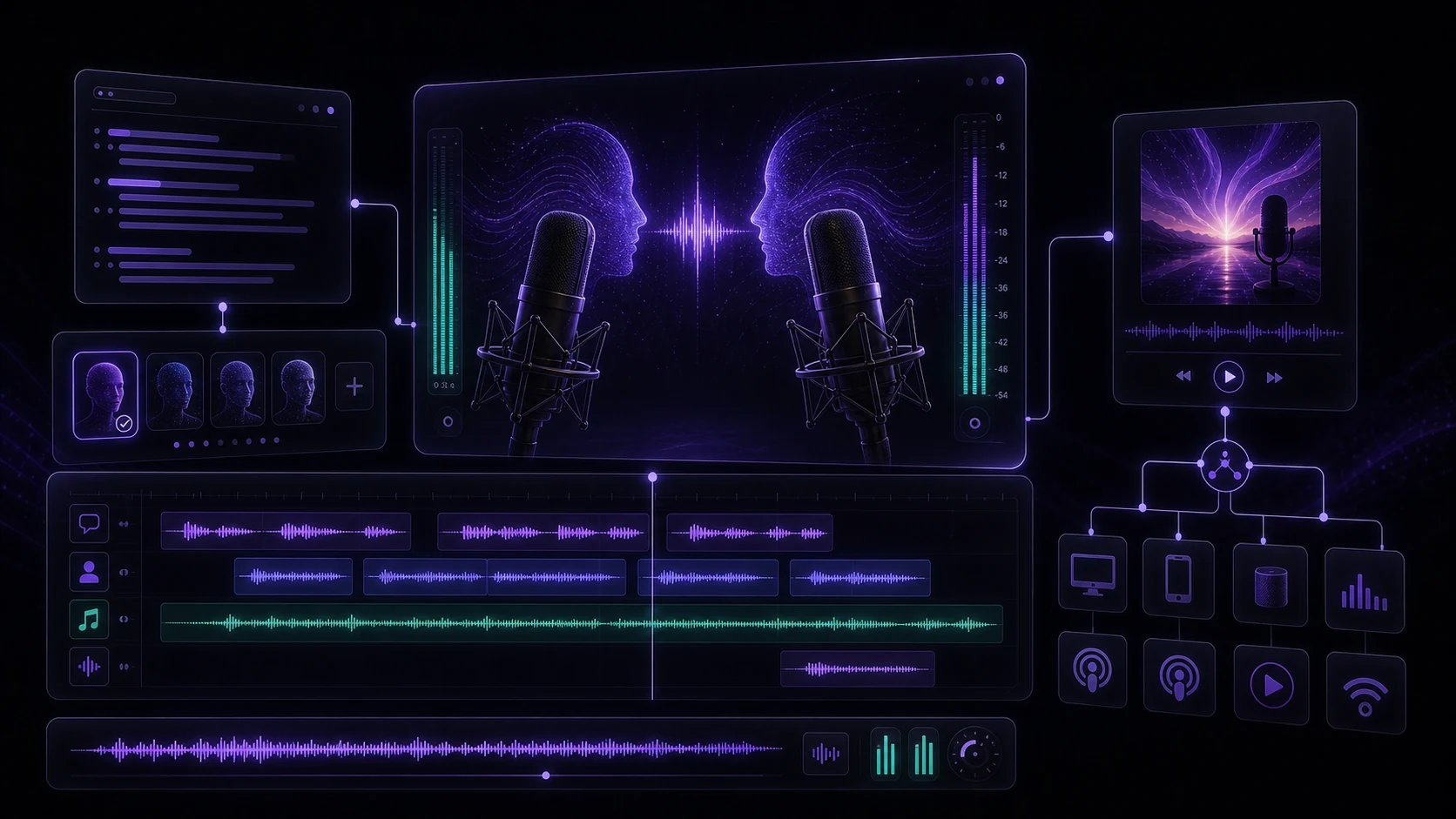
Podcasting has always had a high barrier to entry that had nothing to do with ideas: microphone quality, recording environment, time to sit down and record, consistency of delivery, re-takes, editing. AI voice technology removes most of that friction. You write, the AI reads — and if you configure it well, your audience won't miss the traditional setup.
This guide walks through the full process: planning your show structure, choosing voices for different roles, producing segments with TTS, editing the result, and getting your podcast out to listeners.
Part 1: Planning Your Podcast Content
The foundation of a good AI-voiced podcast is the same as any podcast: a clear format, a defined audience, and content worth listening to. The AI voice doesn't compensate for unfocused content — it just delivers it efficiently.
Format decisions to make before you start:
- Episode length — short-form (5–15 min) episodes work well with AI voice because they require clean, dense writing. Long-form (45–60 min) works if you have substantial content, but writing that much polished script is a real time investment.
- Show structure — consistent segments build listener expectation. A typical structure: intro (60 sec), main content (3–10 min), a recurring feature or segment (2–3 min), outro and call to action (60 sec).
- Publication frequency — AI production makes weekly or even daily publishing feasible without recording sessions; the bottleneck shifts to writing.
- Niche — AI-voiced podcasts perform best in information-dense niches: news briefs, industry updates, educational content, how-to guides, research summaries.
Write scripts as they'll be spoken, not as articles. Use shorter sentences, natural contractions ("you'll" not "you will"), and read-aloud cadence. TTS voices handle spoken-style text significantly better than formal written prose.
Part 2: Choosing TTS Voices for Different Segments
A single voice for an entire episode is functionally fine but can feel monotonous. Using different voices for different roles adds dimension:
Voice assignment strategy:
- Main narrator/host — your primary, consistent voice. Should feel warm and authoritative. This voice builds listener familiarity across episodes.
- Guest or interview simulation — if you're producing a Q&A or dialogue format, a second voice with noticeably different tone, pitch, or accent creates the sense of a real conversation.
- Intro/outro — some producers use a distinctly different (often more energetic) voice for the intro/outro bookend to signal episode start and end.
- Callout sections — a slightly different voice or delivery style for quotations, stats, or featured content pulls those moments out of the main narrative flow.
Voice consistency matters more than voice quality: your listeners will acclimate to almost any voice; what breaks trust is the same "host" voice sounding different from episode to episode. Store your voice settings in VidReels and reuse them each time.
Part 3: Script Writing for TTS
Good TTS scripts account for the model's strengths and limitations:
Do:
- Use commas and periods to guide pacing — TTS voices pause naturally at punctuation
- Spell out acronyms the first time they appear ("API, or Application Programming Interface")
- Use em dashes for natural mid-sentence pauses ("The results — and this was unexpected — showed a 40% improvement")
- Write out numbers in words when you want them spoken naturally ("forty percent" not "40%")
Avoid:
- Very long sentences without natural break points
- Stacked lists read aloud without any connector language ("first... second... third..." sounds robotic; add brief framing)
- Heavy technical jargon without phonetic guidance — check pronunciation for domain-specific terms
- Rhetorical questions that the TTS voice can't deliver with genuine uncertainty
Part 4: Editing and Post-Production
Even with good scripting, AI podcast audio benefits from basic post-production:
Essential edits:
- Trim leading/trailing silence — TTS sometimes adds silence at the start or end of a clip; cut it clean
- Level normalization — ensure all segments have consistent volume (-16 LUFS is the standard for podcasts)
- Music bed — a low-level background music track adds warmth and professional feel; keep it at –20dB relative to voice
Segment assembly: Produce each show segment as a separate audio file, then assemble them in a basic audio editor (Audacity is free; Adobe Audition if you have it). This gives you flexibility to re-generate individual sections if a script changes without re-processing the full episode.
Podcast platforms check audio quality. Submissions with excessive background noise, extreme clipping, or volumes that are too quiet get flagged or displayed poorly in apps. Run a final audio check before uploading — listen on headphones at moderate volume.
Part 5: Distribution
The major podcast directories accept MP3 files submitted via an RSS feed. The common workflow:
- Export your episode as MP3 — 128 kbps stereo is the podcast standard; 192 kbps if you want higher quality
- Write your show notes — title, episode description, chapters if applicable
- Upload to a podcast host (Buzzsprout, Spotify for Podcasters, Anchor, etc.) — they generate your RSS feed
- Submit your RSS to directories — Apple Podcasts, Spotify, and Google Podcasts all have a one-time submission process; new episodes publish automatically after that
AI-voiced podcasts are increasingly common and accepted on all major platforms.
Conclusion
AI voice technology has made podcast production genuinely accessible — the writing is the work now, and the production is mostly automated. Good planning, thoughtful voice selection, spoken-style scripting, and clean post-production are what separate a professional-sounding AI podcast from a rough one. VidReels' TTS tools give you the voice production layer; the strategy and writing are still yours to bring.