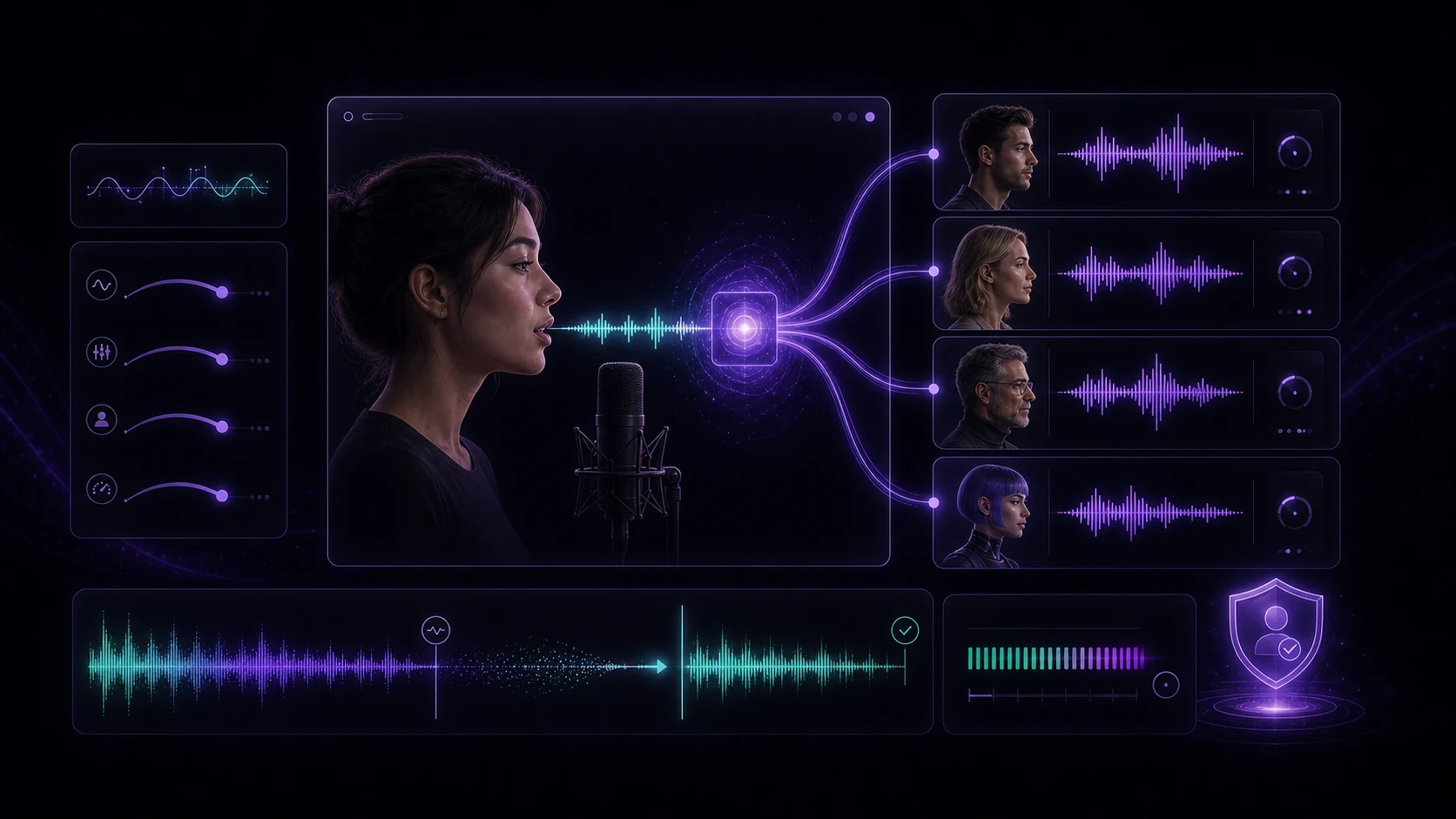
AI voice changers have evolved from novelty effects to genuinely useful tools for content creators, game developers, privacy-conscious users, and businesses producing audio at scale. The quality gap between a voice-changed recording and a natural one has shrunk dramatically — in many cases, listeners can't tell the difference.
This guide covers what's possible with AI voice changing, the different types of transformation available, practical use cases, and how to maintain audio quality through the process.
Part 1: Types of Voice Transformation
Voice Effects
Basic voice effects modify the character of a voice without replacing it entirely. These are the most commonly used transformations:
- Pitch shift — raises or lowers the fundamental pitch. Useful for stylistic purposes or as a privacy measure.
- Timbre adjustment — changes the tonal quality (more resonant, brighter, warmer) without changing pitch
- Robot/digital effects — adds synthetic modulation; popular for content characters and game audio
- Environmental effects — simulates the acoustics of different spaces (large hall, small room, outdoor)
- Radio/telephone effect — bandpass filtering that mimics the limited frequency range of analog transmission
Gender and Age Shifting
More sophisticated than basic pitch shift, gender and age shifting uses AI to restructure the formant frequencies and vocal characteristics that define how male, female, young, or mature a voice sounds.
- Gender shift — moves the voice along the male-female spectrum; not just pitch, but resonance and articulation patterns
- Age shift — makes a voice sound younger (brighter, less settled) or older (more gravelly, lower energy)
Subtle gender and age shifts — 30–50% of maximum — tend to sound far more natural than maximum transformation. Full shifts often produce artifacts at the extremes.
Voice Cloning
Voice cloning creates a custom voice model from a reference recording, then applies that voice model to new text or audio. The output sounds like the original speaker saying new things.
How much audio is needed for cloning:
- Basic clone: 30–60 seconds of clear speech
- Higher quality clone: 3–10 minutes
- Full professional-grade clone: 30+ minutes
Voice cloning of a real person's voice without their explicit consent is illegal in many jurisdictions and a violation of platform policies on most content platforms. Only clone voices you have rights to — your own voice, or voices with explicit written permission.
Part 2: Real-World Use Cases
Gaming and Content Creation
Voice changers are widely used in gaming for character voices — playing an NPC with a distinct voice, voicing an antagonist, or simply maintaining anonymity in online play. For content creators, they enable consistent character voices across a series without requiring voice actors for each session.
Best practices for gaming/content:
- Use a low-latency mode if processing real-time during live streams
- Test voice clarity at normal gameplay volume — some effects muddy speech intelligibility
- Save voice profiles so your character voices are consistent across sessions
Podcast and Audio Content
For podcast producers, voice changers serve several practical purposes:
- Protecting the identity of interview subjects who need anonymity
- Creating distinct "narrator" voices separate from the host's natural voice
- Producing character voices for narrative/fiction podcasts without hiring actors
Business and Privacy
For professionals who produce audio and video content at volume, voice customization offers:
- Maintaining a consistent "brand voice" across content produced by different speakers
- Protecting personal voice identity when producing public-facing content
- Creating localized voice assets that match regional expectations
Part 3: Quality Tips
Voice transformation quality depends on the quality of the source audio and the settings you apply. These practices make a meaningful difference:
Source audio quality:
- Record in a quiet space with minimal background noise — voice changers amplify ambient noise as much as voice signal
- Use a decent microphone; built-in laptop microphones add room resonance that creates artifacts after processing
- Maintain consistent distance from the microphone throughout the recording
Processing settings:
- Apply noise reduction before voice transformation, not after
- Use the minimum transformation intensity that achieves your goal — heavy processing always degrades naturalness
- Preview at the final export volume and in the context where it'll be heard (headphones vs. speakers)
Common artifacts to watch for:
- Metallic sound — usually from overly aggressive pitch or formant shifting; reduce intensity
- Muffled consonants — common with heavy lowering transformations; boost presence EQ (2–4kHz) slightly
- Background noise amplification — apply noise reduction before processing; aggressive voice changing can amplify subtle background sounds
Conclusion
AI voice changers have genuine utility beyond novelty — for content creators, privacy use cases, and audio production at scale. The key is understanding which type of transformation you need, applying it with appropriate subtlety, and starting with clean source audio. VidReels' voice tools integrate with the broader audio workflow, so voice changing is one step in a larger production pipeline rather than an isolated effect.