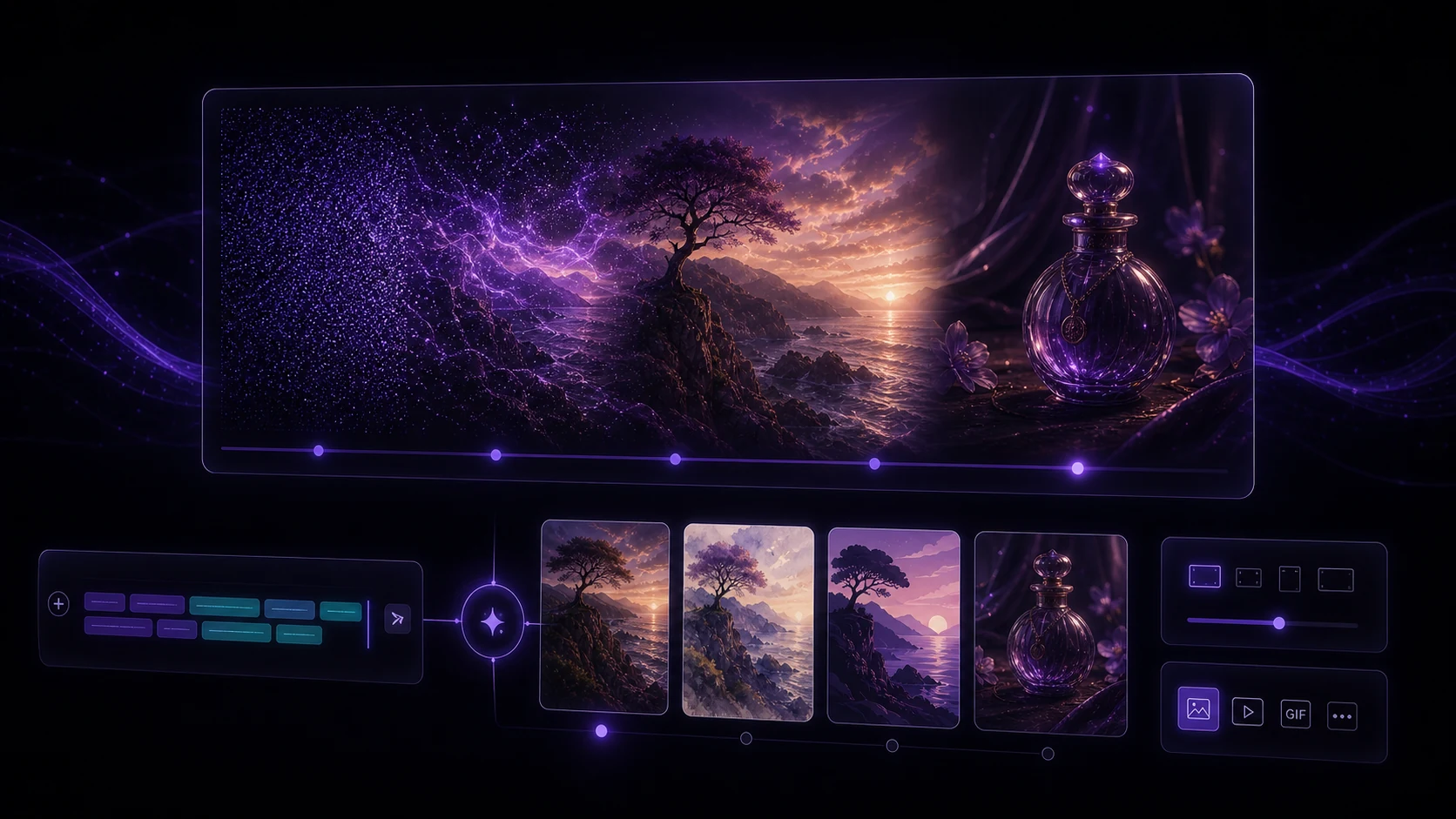
AI image generation has reached a point where the gap between idea and visual is measured in seconds, not days. Whether you need a product mockup, a blog header, a social media asset, or a concept illustration, text-to-image tools can produce usable results quickly — if you know how to work with them.
This guide covers the fundamentals: how the technology works, how to write prompts that produce what you're imagining, how to choose styles, and how to think about resolution.
Part 1: How AI Image Generation Works
Current AI image generators are built on diffusion models — a type of neural network trained on massive datasets of images and their associated text descriptions. The model learns statistical relationships between words and visual concepts.
When you type a prompt, the model doesn't "draw" in any human sense. It starts with random noise and gradually refines it, step by step, until the result matches the patterns associated with your prompt. The process is non-deterministic — the same prompt can produce meaningfully different results on each run.
What this means practically:
- Small prompt changes can produce large visual changes
- Running the same prompt multiple times gives you variety to choose from
- The model reflects biases in its training data — certain concepts are more reliably represented than others
- Complex, specific prompts require more from the model and can occasionally produce artifacts
Generate 4–8 variations of a prompt before deciding you're not getting good results. The randomness is a feature — you often find something better than what you imagined on the third or fourth try.
Part 2: Prompt Engineering Basics
Writing effective prompts is the core skill of AI image generation. There's no single formula, but a consistent structure helps:
[Subject] + [Action/State] + [Environment/Context] + [Style] + [Lighting] + [Technical quality descriptors]
Example:
"A ceramic coffee mug on a wooden kitchen table, morning light streaming from a window to the left, warm color tones, product photography style, shallow depth of field, 8K, photorealistic"
High-impact prompt elements:
- Subject clarity — be specific about what you want to see. "A red vintage car" outperforms "car."
- Composition language — "close-up," "aerial view," "wide shot," "portrait orientation" guide framing
- Lighting descriptors — "golden hour," "studio lighting," "overcast natural light," "neon glow" are all highly effective
- Style references — "photorealistic," "watercolor," "flat illustration," "cinematic," "editorial photography"
- Negative prompts — most tools support negative prompts to exclude unwanted elements ("no text," "no watermark," "no blur")
Avoid stacking too many conflicting style descriptors. "Photorealistic impressionist watercolor oil painting" gives the model conflicting instructions and often produces muddled results.
Part 3: Style Selection
Style is one of the most powerful variables in image generation. Choosing the right style for your use case is as important as the prompt itself.
Common styles and their best applications:
| Style | Best use case | |---|---| | Photorealistic | Product photography, portraits, architectural renders | | Flat illustration | Icons, app UI mockups, editorial graphics | | Cinematic | Blog headers, social media covers, storytelling visuals | | Watercolor/painterly | Brand identity, book covers, lifestyle content | | 3D render | Tech product visuals, abstract data visualizations | | Documentary | Social proof imagery, explainer content |
VidReels' image generator lets you apply style presets directly, so you don't have to encode style entirely in your prompt — though adding style language in the prompt alongside a preset often refines results further.
Part 4: Resolution and Output Options
Resolution matters more than most beginners expect. A 512x512 image looks fine at thumbnail size and terrible on a desktop monitor.
Resolution guidelines by use case:
- Social media posts — 1080x1080 (square) or 1080x1350 (portrait) at minimum
- Blog headers — 1200x630 or wider
- Print materials — 300 DPI at the intended print size; typically 2400x3600 or larger
- Website hero images — 1920x1080 or higher
- Mobile wallpapers — 1170x2532 (iPhone) or equivalent
Most AI image tools, including VidReels, offer upscaling — the ability to take a generated image and increase its resolution with additional AI processing that adds realistic detail rather than just stretching pixels. For anything going to print or large-format display, upscaling after generation is standard practice.
File format considerations:
- PNG — lossless, supports transparency, best for graphics and illustrations
- JPEG — smaller file size, fine for photographs and full-color images without transparent areas
- WebP — excellent compression for web use, increasingly well-supported across browsers
Conclusion
AI image generation rewards curiosity and iteration. Start with a structured prompt, choose a style that matches your use case, generate multiple variations, and upscale before final use. The learning curve is genuinely shallow — most people produce usable results within their first session. The skill ceiling, though, is high: experienced prompt writers produce results that look deliberately crafted because they are.
VidReels' image tools are built to support that whole range, from your first generated image to a professional content pipeline.